
Help centre › Getting started
How a student joins
No app, no account. A link and a first name.
- Open the link from your teacher in Chrome, Safari, Edge or Firefox.
- Type your first name.
- Allow the microphone when the browser asks. PageMeet checks that it hears you.
- Press Join.
The camera is optional and stays off unless you switch it on and your teacher allows it.
If the microphone cannot be used
You can still join to listen and use the chat. Tell your teacher in the chat.
What the student can do in class
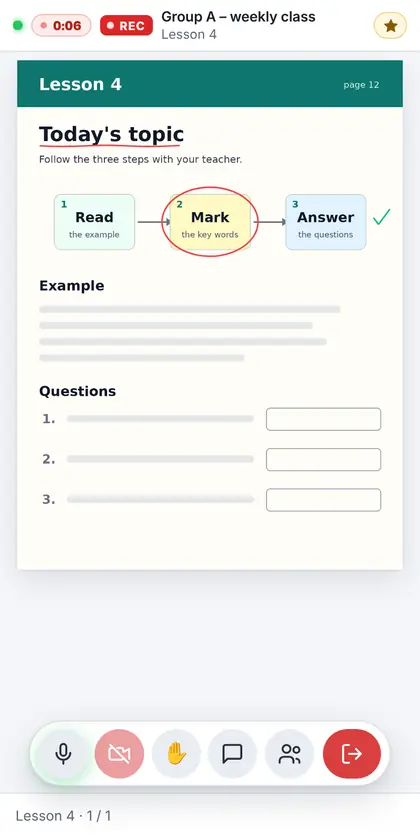
- See the page and everything the teacher writes on it
- Speak, when the teacher has the microphone switched on for students
- Raise a hand
- Write in the chat
- Write on the page, when the teacher gives the pen
Was this not enough? Ask us and we will answer and improve this page.